
A$$EMBLE IT!
A fun C64/ C64Studio assembly programming tutorial, exclusively to THE NEW DIMENSION.
LAST UPDATED:JULY 2019
(Updates will be on-going and announced on the TND News page)
LAST UPDATED:JULY 2019
(Updates will be on-going and announced on the TND News page)
DOWNLOAD HERE
CONTENTS
Chapter
1: INTRODUCTION, AND ABOUT ASSEMBLERS
A brief introduction to assemblers, looking at the type of Commodore 64 assembler. Also gives out an Introduction to cross assembly. This chapter will take a look at the cross-platform tools you can use to produce and generate your own productions - if you manage to get into assembly. Finally, an introduction to the C64Studio assembler and how to set it up.
Chapter 2: ASSEMBLY COMMANDS AND SMALL TRICKS
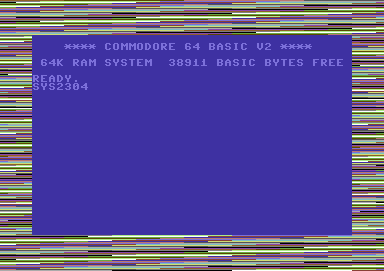
This chapter starts with the hardware pointers. Which shows the BASIC pokes, and also the HEX addresses of the pointers which trigger the C64's hardware. A table is used to help you learn the actual hardware properties. Basic assembly commands, (everything LDA and STA). Heheheh :). A HELLO WORLD style program to code, and also a practical little example of coding a border flasher.
Chapter 3: SCREEN PROGRAMMING AND DISPLAYING BITMAPS
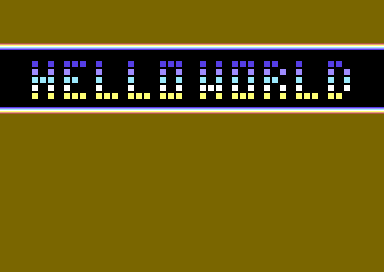
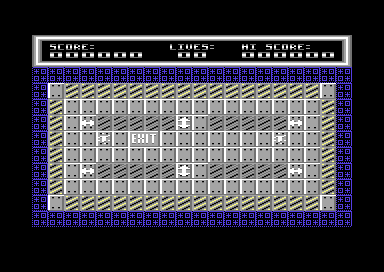
This chapter starts with an introduction to screen programming, how to display HELLO WORLD (Again), Displaying a screen data to screen RAM (screen data also known as matrix). There is also a simple tutorial on displaying single character screens from charpad, and also extracting the colour data to the specified characters. A rough moving text scroll, horizontally and vertically, moving text vertically and displaying bitmap graphics from a chosen bitmap editor format.
Chapter 4: RASTER SPLITS AND INTERRUPTS, INTRO CODING, DEMO MAKING
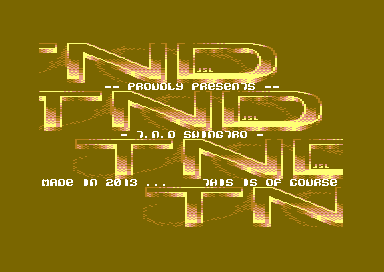
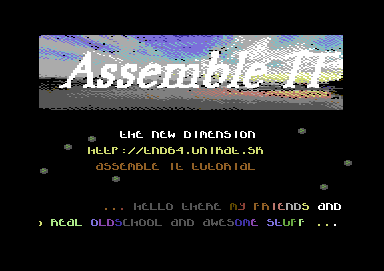
After familiarizing yourself with chapter 3's screen programming. This chapter introduces you to raster splits, how to create them. Some of the cool tricks they can do. There is also an introduction to IRQ interrupts, with feature colour washing, multiple rasters. There are also some practical examples, which shows you how to create simple picture demos, intros, etc. There is also an important feature on rasters with timing, with a few other practical examples. Do you want to code your own intros, swing text, logos, scroll text and stuff like that? You have come to the right place.
Chapter 5: SPRITES, OBJECTS AND PROGRAMMING YOUR OWN SIMPLE GAMES
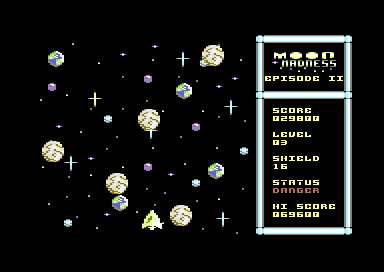
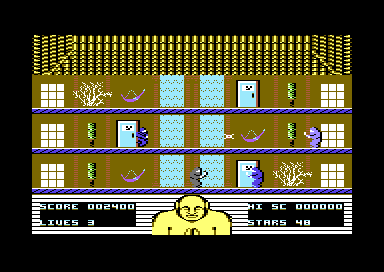
Have you ever fancied a bash at making your own simple games? Well, this chapter shows you how to do exactly that. It gives you basic sprite information, such as how to move them through IRQ raster interrupts. Introduction to sprite to sprite and sprite to background collision. There is a tutorial also on how to spawn objects, make use out of macro commands, etc.There are also a few example games for you to play around and have fun with. Starting from Moon Madness - Episode 2, Missile Blasta - Remastered, all the way through to Rogue Ninja. You also get to learn to add MACROs to independent sprite objects. Programming games can't get as fun as that! :)
Chapter 6: PROJECT HOUSEKEEPING, CUSTOM SPRITE MOVEMENT, SCROLLING BASICS, AND MORE FUN GAME PROGRAMMING
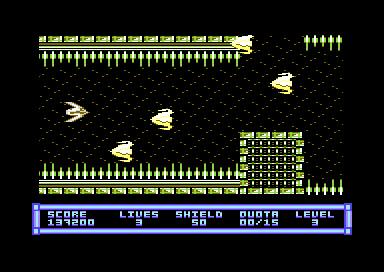
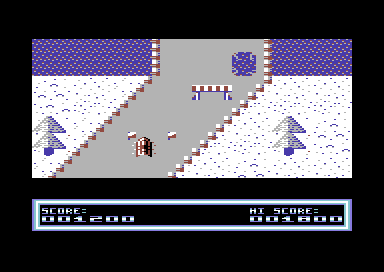
Sometimes it can be quite painful to code a project using one single source in one project. A small tutorial in chapter 6 goes through project housekeeping, in which teaches you how to implement additional source code files into a project. We also have a feature on creating custom sprite object movements manually in two different ways. Either way, it is controlled by tables of data and code. There's also a simple tutorial on scrolling vertically and horizontally, using just single characters of the same colour and a char based map, no blocks/tiles are involved. Yet again another two example games are included during this chapter, which features background scrolling. (Blastopia and Super Toboggan Challenge).
Chapter 7: Disk, Tape and 16KB Cartridge mastering
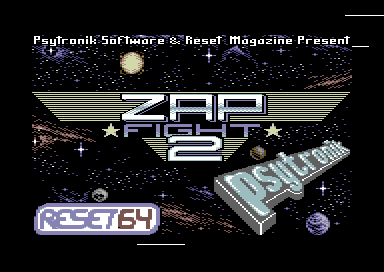
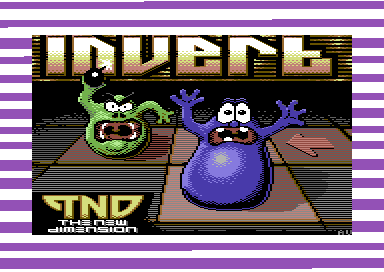
Do you want to show off your new game production using a disk or a tape loader, and bolt a picture on to it with some loading music like I always have? Well, in this chapter. We'll be showing you how to master your own games using a selection of PC-based Tape mastering tools, such as TapeToolBuild by Martin Piper and also S-Load by TLR. You can also learn how to make a 16KB cartridge for future RGCD 16KB cartridge compos, or just for fun..
Chapter 8: Past/Present projects
To finish of Assemble It, we have example code for the past/present projects. Most projects are game projects which all consist of the existing binary data and game code. Some projects require a different assembler in order to build and run.
A brief introduction to assemblers, looking at the type of Commodore 64 assembler. Also gives out an Introduction to cross assembly. This chapter will take a look at the cross-platform tools you can use to produce and generate your own productions - if you manage to get into assembly. Finally, an introduction to the C64Studio assembler and how to set it up.
Chapter 2: ASSEMBLY COMMANDS AND SMALL TRICKS
This chapter starts with the hardware pointers. Which shows the BASIC pokes, and also the HEX addresses of the pointers which trigger the C64's hardware. A table is used to help you learn the actual hardware properties. Basic assembly commands, (everything LDA and STA). Heheheh :). A HELLO WORLD style program to code, and also a practical little example of coding a border flasher.
Chapter 3: SCREEN PROGRAMMING AND DISPLAYING BITMAPS
This chapter starts with an introduction to screen programming, how to display HELLO WORLD (Again), Displaying a screen data to screen RAM (screen data also known as matrix). There is also a simple tutorial on displaying single character screens from charpad, and also extracting the colour data to the specified characters. A rough moving text scroll, horizontally and vertically, moving text vertically and displaying bitmap graphics from a chosen bitmap editor format.
Chapter 4: RASTER SPLITS AND INTERRUPTS, INTRO CODING, DEMO MAKING
After familiarizing yourself with chapter 3's screen programming. This chapter introduces you to raster splits, how to create them. Some of the cool tricks they can do. There is also an introduction to IRQ interrupts, with feature colour washing, multiple rasters. There are also some practical examples, which shows you how to create simple picture demos, intros, etc. There is also an important feature on rasters with timing, with a few other practical examples. Do you want to code your own intros, swing text, logos, scroll text and stuff like that? You have come to the right place.
Chapter 5: SPRITES, OBJECTS AND PROGRAMMING YOUR OWN SIMPLE GAMES
Have you ever fancied a bash at making your own simple games? Well, this chapter shows you how to do exactly that. It gives you basic sprite information, such as how to move them through IRQ raster interrupts. Introduction to sprite to sprite and sprite to background collision. There is a tutorial also on how to spawn objects, make use out of macro commands, etc.There are also a few example games for you to play around and have fun with. Starting from Moon Madness - Episode 2, Missile Blasta - Remastered, all the way through to Rogue Ninja. You also get to learn to add MACROs to independent sprite objects. Programming games can't get as fun as that! :)
Chapter 6: PROJECT HOUSEKEEPING, CUSTOM SPRITE MOVEMENT, SCROLLING BASICS, AND MORE FUN GAME PROGRAMMING
Sometimes it can be quite painful to code a project using one single source in one project. A small tutorial in chapter 6 goes through project housekeeping, in which teaches you how to implement additional source code files into a project. We also have a feature on creating custom sprite object movements manually in two different ways. Either way, it is controlled by tables of data and code. There's also a simple tutorial on scrolling vertically and horizontally, using just single characters of the same colour and a char based map, no blocks/tiles are involved. Yet again another two example games are included during this chapter, which features background scrolling. (Blastopia and Super Toboggan Challenge).
Chapter 7: Disk, Tape and 16KB Cartridge mastering
Do you want to show off your new game production using a disk or a tape loader, and bolt a picture on to it with some loading music like I always have? Well, in this chapter. We'll be showing you how to master your own games using a selection of PC-based Tape mastering tools, such as TapeToolBuild by Martin Piper and also S-Load by TLR. You can also learn how to make a 16KB cartridge for future RGCD 16KB cartridge compos, or just for fun..
Chapter 8: Past/Present projects
To finish of Assemble It, we have example code for the past/present projects. Most projects are game projects which all consist of the existing binary data and game code. Some projects require a different assembler in order to build and run.
For more code, it is recommended that you also try out the the Codebase Wiki web site.